Anywhere Access
See your cameras from your phone — set up the right way
Remote viewing only helps if it is secure, stable, and easy for the people who need it. We configure mobile apps, users, and notifications so you can check live video and clips from anywhere.
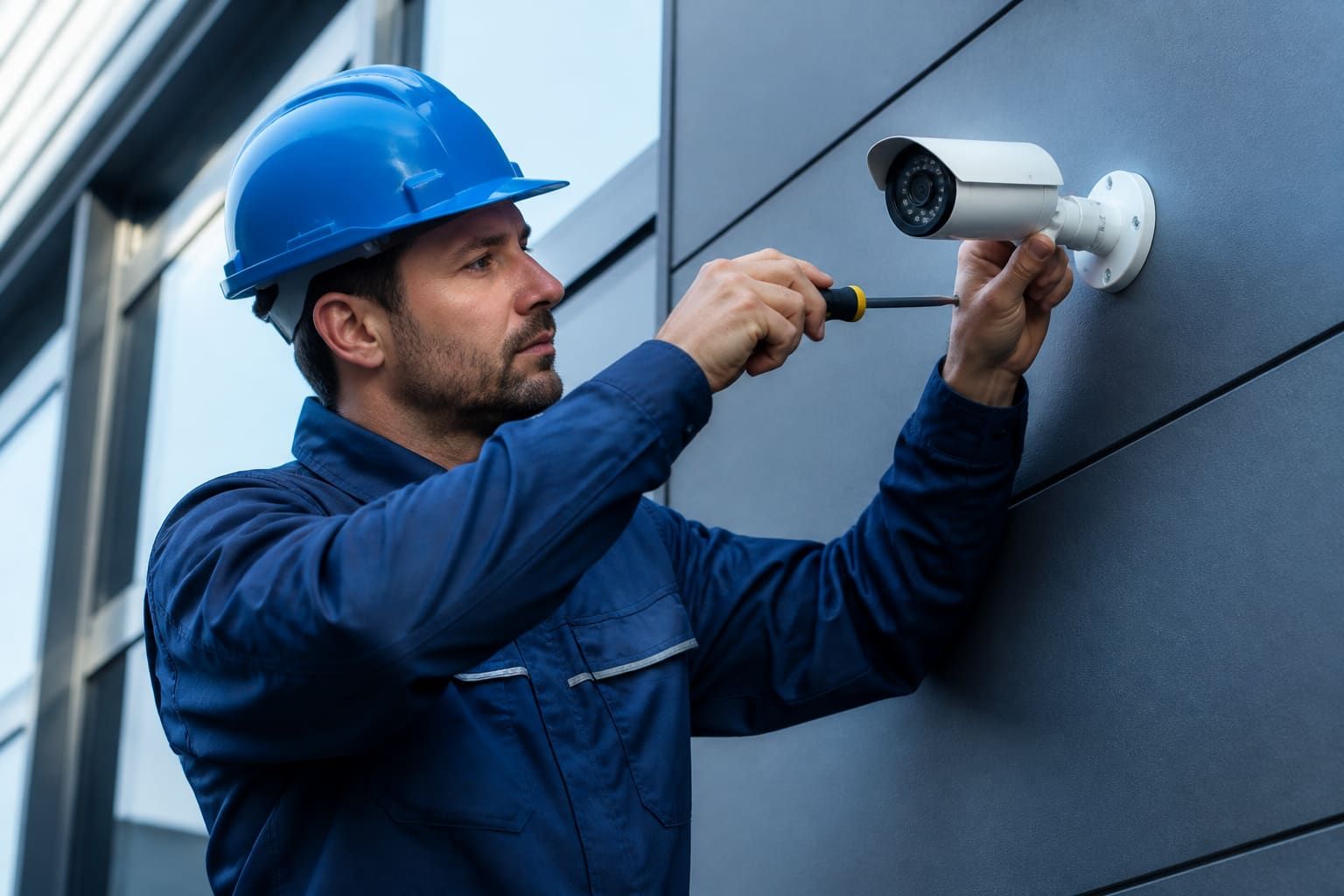
Being able to check a Whitby storefront from downtown Toronto — or a home driveway while travelling — is one of the biggest day-to-day benefits of a modern camera system. Ultimate Security configures remote monitoring so the app actually connects, channels are named clearly, and alerts do not overwhelm you on the first windy night.
We set up user accounts with appropriate permissions, verify streaming over cellular and Wi-Fi, and walk you through live view, timeline playback, and snapshot sharing. Where your network needs a stable path for remote access, we implement it with security in mind rather than leaving devices exposed.
If you already have cameras but nobody can log in reliably, we can audit the recorder, network, and app setup, then fix the weak links. Remote monitoring is also the natural companion to facial detection alerts, LPR events, and access-control notifications.
Related Products
Hardware that pairs with this service
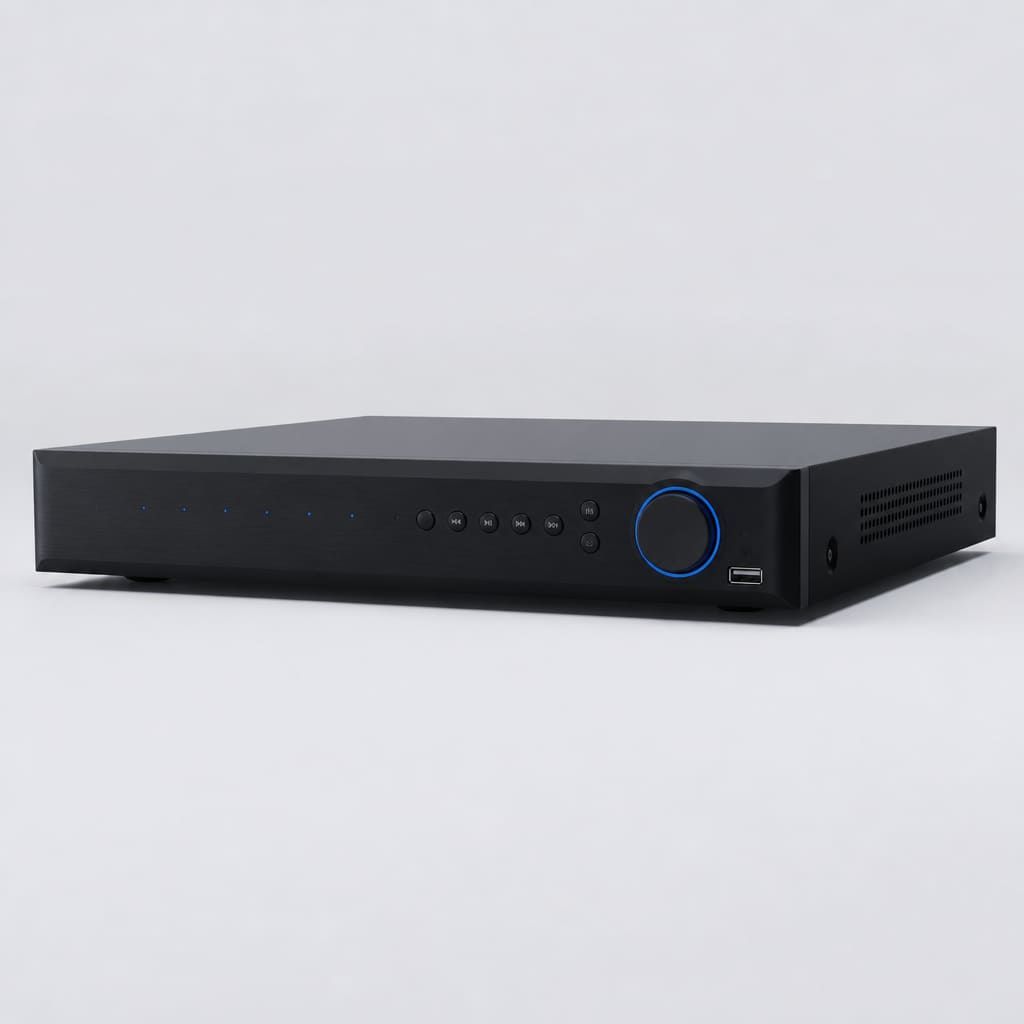
NVR / DVR Recorders
Network and digital video recorders sized for home and business retention. Reliable storage, remote viewing, and clean integration with your cameras.
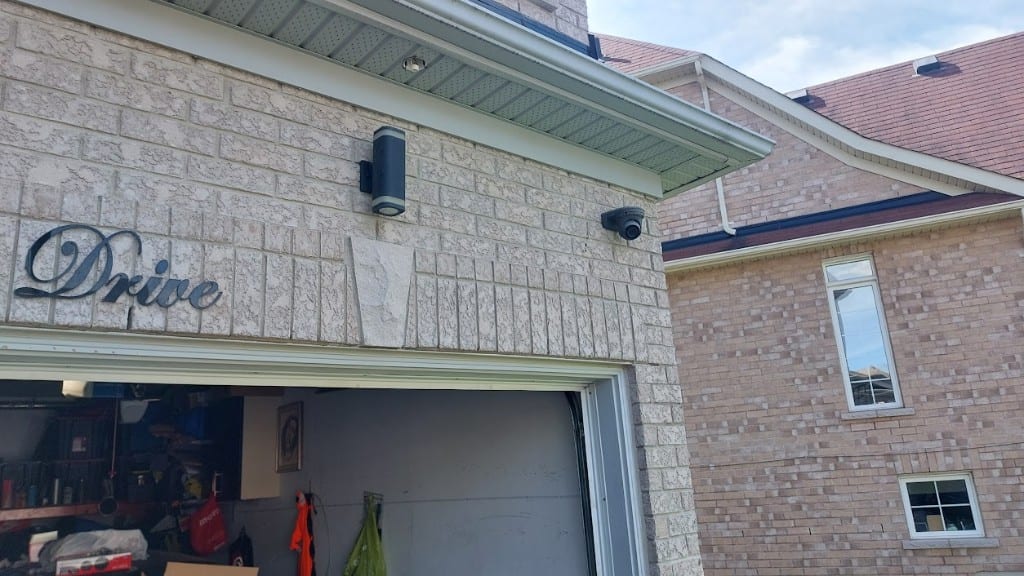
Dome Cameras
Vandal-resistant dome cameras for indoor and outdoor GTA properties. Discreet coverage, IR night vision, and clean ceiling or soffit mounts.
Related Services
Often installed together
Security Cameras
Professional security camera installation for homes and businesses across Whitby, Durham, and the GTA — including garage and entry dome cameras. HD systems, LPR, and remote app viewing.
Learn more → Facial Detection
Facial detection camera systems for Whitby and GTA businesses — alert on faces at doors and lobbies without requiring a stored identity database.
Learn more →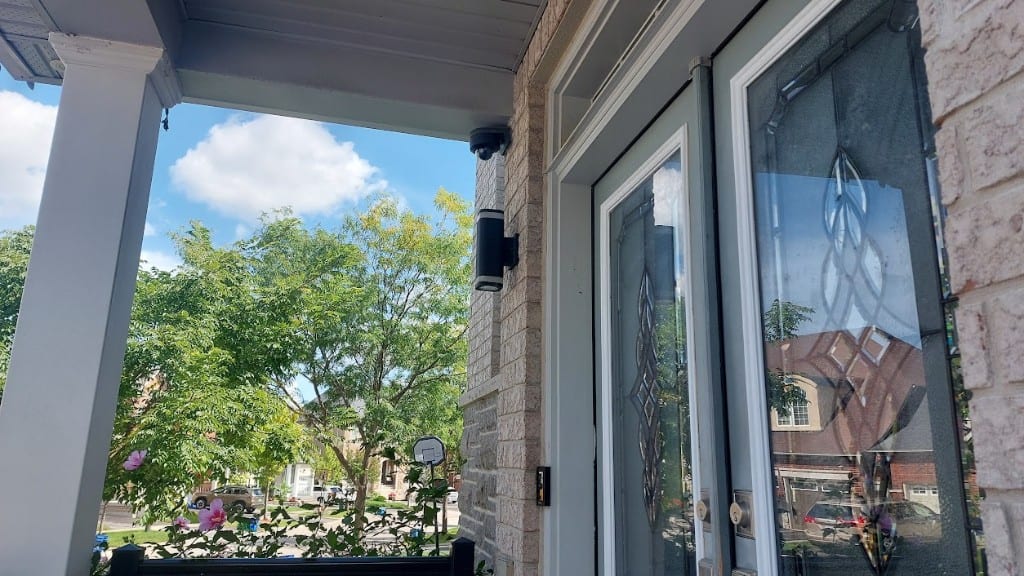
Video Doorbells
Video doorbell and porch camera installation for homes in Whitby and the GTA — wired and wireless options with app alerts and clear entryway video.
Learn more →
Maintenance & Repair
Security system maintenance and repair across Whitby and the GTA — cameras, access control, alarms, doorbells, and cabling serviced by local technicians.
Learn more →FAQ
Questions about remote monitoring app
Do I need a special phone plan?
No special plan — just a normal data connection. Streaming uses mobile data when you are not on Wi-Fi, so we help you choose preview and stream settings that fit how you check cameras.
Can multiple people have app access?
Yes. We create separate users so you can give managers live view without sharing a single owner password, and remove access when someone leaves.
Is remote viewing secure?
When configured correctly — strong credentials, updated firmware, and proper remote access methods — yes. We avoid insecure shortcuts and explain what we set up.
Ready for remote monitoring app?
Call 647-922-9884 or request a quote for installation across Whitby and the GTA.